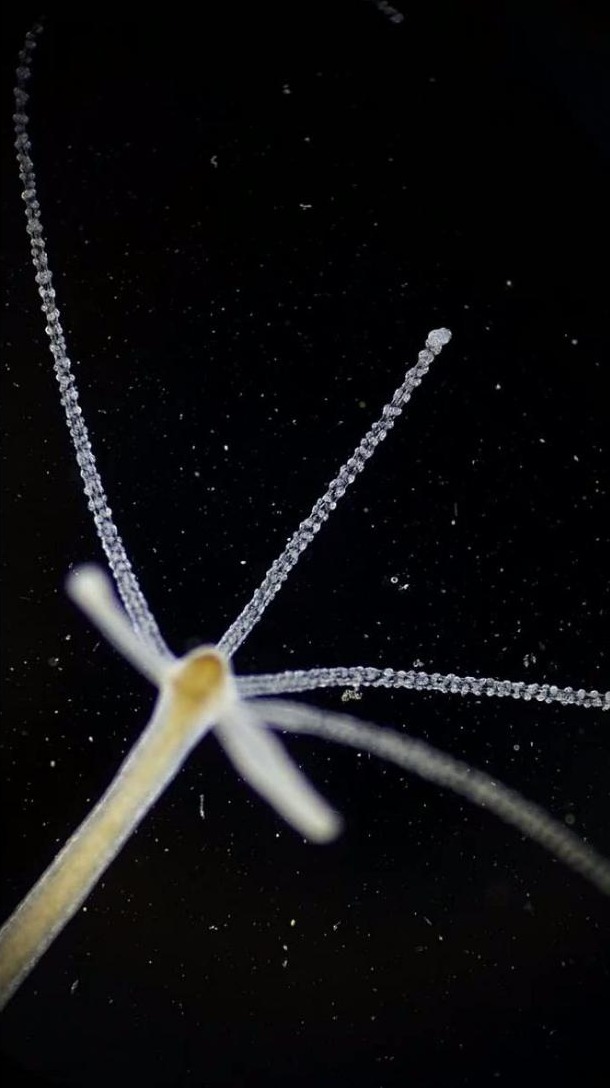
Focus through the microscope first
The eyepiece is the lens you look through. Get the sample sharp through it and move the part you want to film into the center. Adjust the microscope light before adding the phone.
Line up the phone
Start with your phone’s main camera at 1×. Hold it straight over the eyepiece and move it slowly until the bright circle appears on the screen. Move closer or farther away until you get a clear view with fewer dark edges.
A phone adapter holds the phone in that position. If the image suddenly jumps, your phone may be switching between cameras. Select or lock one camera if your app lets you.
P06 · Photo needed: phone-adapter alignment, with one camera centered over the eyepiece.
Adjust brightness and record
Tap the sample on the screen to focus. If your phone allows, do manual focus once and adjust until clear and then use the microscope knobs to maintain focus so it doesnt change while switching objectives or trying to view an organism.